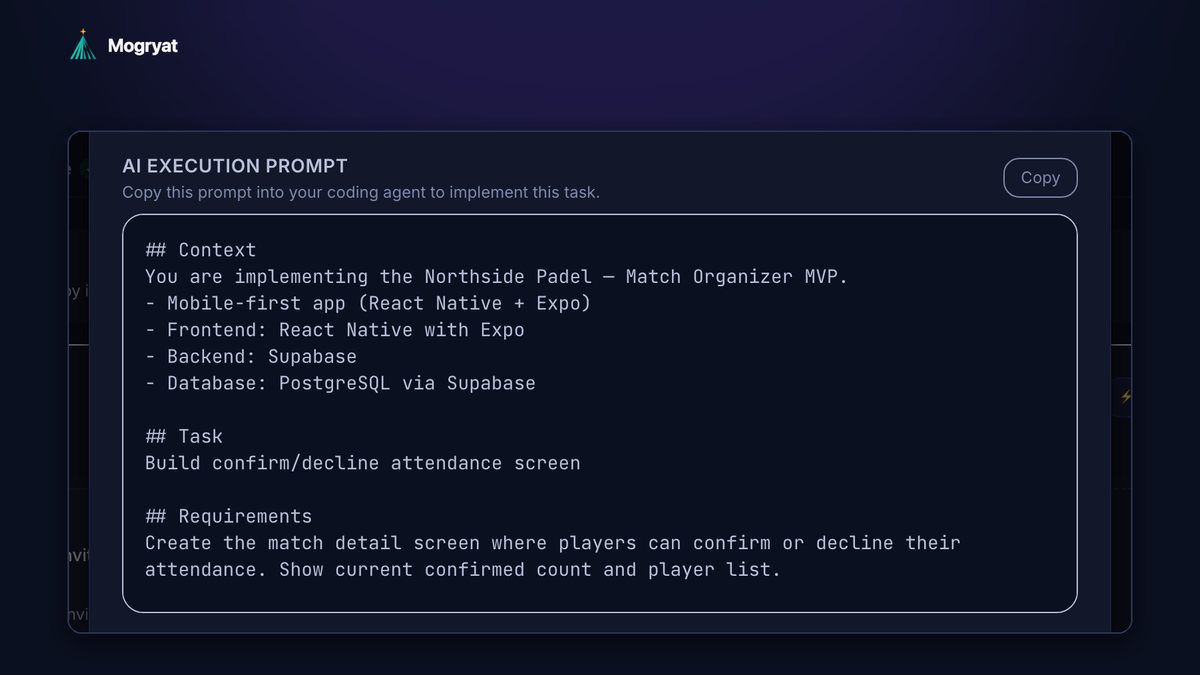
Freelancers reduce rework and AI token costs across client projects by fixing the inputs, not the tools: confirm acceptance criteria with the client before building, keep a separate context pack per client so agents never start from scratch, reuse proven task and prompt templates between similar projects, settle the stack once per client and record why, and cap retries and spend per project. Rework is the main driver of both wasted hours and wasted tokens, and most of it traces back to unclear requirements or lost context.
Below are the practices that matter most, with templates you can reuse.
Where rework comes from in client projects
In client work, rework usually has one of five causes:
- Misread requirements. You built what the brief said, not what the client meant.
- Unconfirmed criteria. "Done" was never agreed, so the client asks for changes at review time.
- Lost context. An AI session (or you, after a week away) didn't know a decision, so it was reversed.
- Mid-task scope changes that were absorbed silently and broke other work.
- Overlong AI sessions where quality drifted and the result needed fixing.
- Brief: goals, users, phase scope, and exclusions
- Decision log: dated one-liners for anything decided on calls or in email
- Rules file in the repository: stack, commands, conventions, and links to the brief and log (AGENTS.md, CLAUDE.md, Cursor rules, or similar)
- Change log: every request outside scope, with its status
- Task templates: common tasks such as authentication, role-based access, or email notifications, each with acceptance criteria you've refined over several projects
- Prompt templates: the structure that works for your stack (context, task, criteria, constraints, what not to touch)
- Rules file starter: your default conventions, adjusted per client
- Checklists: launch, handover, and security basics
- Title: Send transactional email for [event]
- Description: When [event] happens, send [recipient] an email with [content]. Use the project's existing email provider.
- Acceptance criteria: the email is sent within a minute of the event; it uses the client's sender name and reply-to address; it includes an unsubscribe or preferences link where required; failed sends are logged and retried a limited number of times; no email is sent for test accounts in production.
- Implementation notes: use the email client already in the codebase; keep templates in the templates folder; never log full email addresses.
- Do not change: authentication, existing templates for other events.
- One task per session.
- Paste only the failing test output, not the whole log.
- Ask the agent to restate its plan before coding.
- End long sessions with a short handoff note and start fresh.
- Retry limit: if an agent fails the same acceptance criterion twice, stop. Rewrite the task or the criteria, then try again.
- Spend limit: a monthly cap for AI usage, reviewed per client. Track AI spend next to hours so your next quote reflects reality.
- Tasks that needed more than two AI runs
- Tasks the client sent back after review
- Change requests built before they were approved
- Times you re-explained the project to an AI tool
Each cause costs twice: your hours, and the tokens spent rebuilding. With several clients at once, the costs compound.
Practice 1: Confirm acceptance criteria before you build
Send the client the task list with three to six acceptance criteria per task and ask for confirmation. It's the single most effective way to prevent rework, because misunderstandings surface while they're still a message instead of a rebuild.
Write criteria in the client's language: "players can confirm or decline from the match page," not "PATCH endpoint updates attendance status." Technical details go in implementation notes. The guide to turning client requirements into development tasks covers how to write them.
Practice 2: Keep a context pack per client
Every client project gets the same small set of files:
Start each AI session from this pack plus one task's brief. Never reuse a chat across clients. A fresh, focused session with the right files costs fewer tokens than a long one that has to be corrected, and it never mixes up clients.
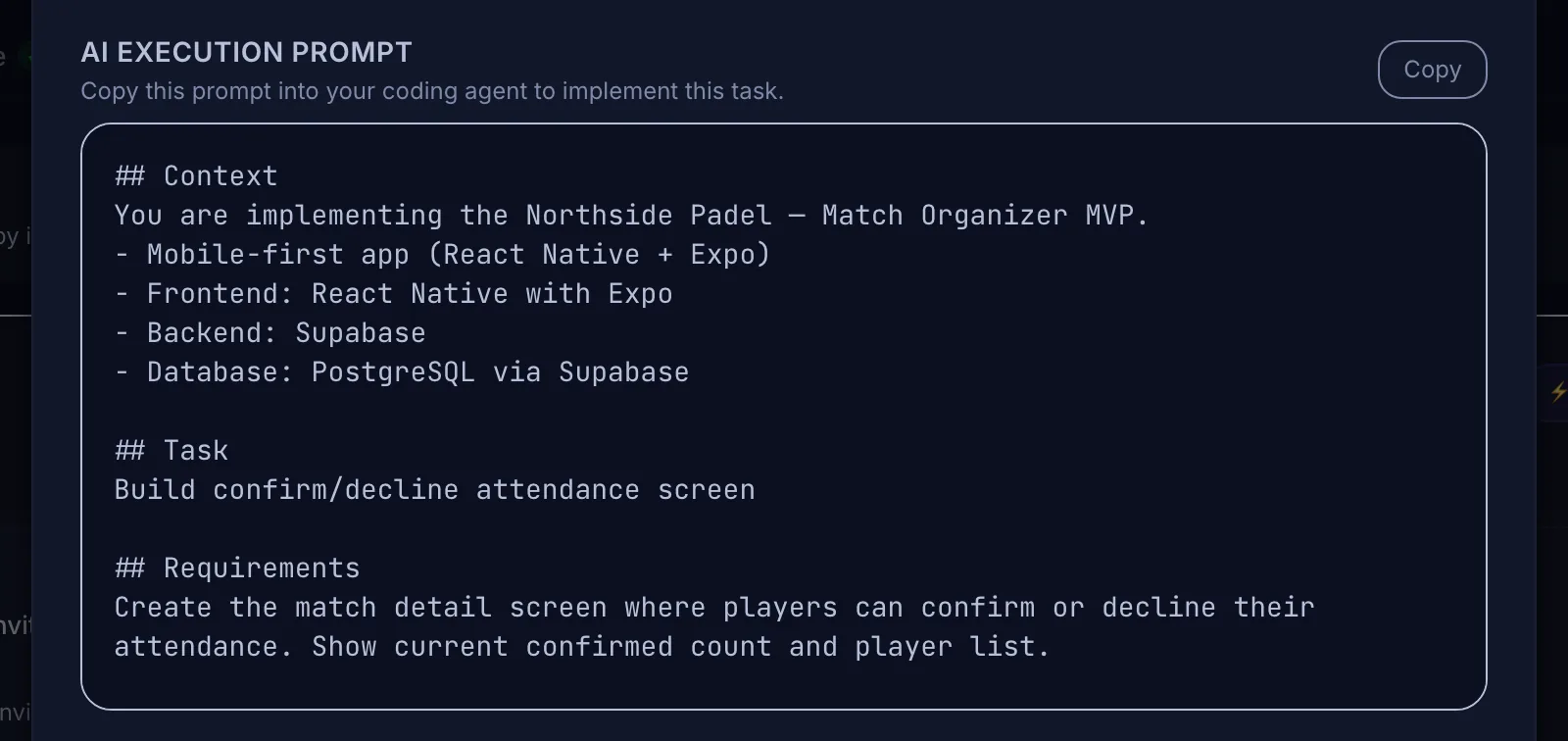 Client context travels with every task prompt instead of being pasted into each new chat.
Practice 3: Reuse templates between similar projects
If you build similar things repeatedly (booking systems, member portals, internal dashboards), keep templates:
Reuse saves planning time and tokens, and it improves quality, because each template carries lessons from the last project. Strip anything client-specific before reusing.
Example: a reusable task template
Here's what a reusable "email notifications" task might look like after a few projects. The acceptance criteria are written once and adjusted per client, rather than rediscovered each time:
Filling in the brackets takes a minute. Writing the criteria from scratch, and discovering the missing ones at client review, takes much longer and costs a second agent run.
Practice 4: Settle the stack once per client
Decide the architecture early, compare a couple of options against the client's budget, scale, maintenance situation, and compliance needs, and record the decision with the reasons. Then put it in the rules file.
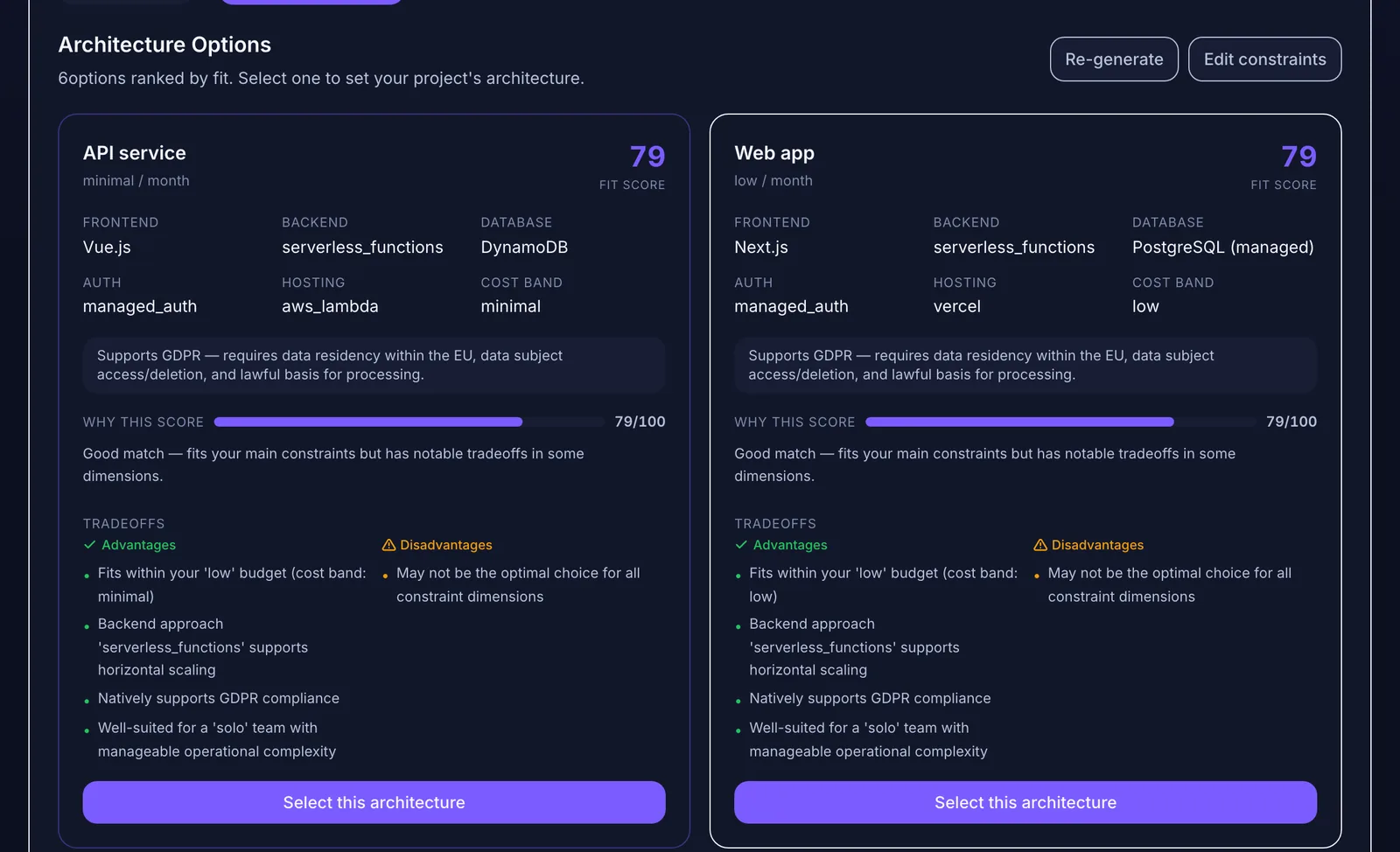 Settle the stack once per client and record why.
Without a recorded decision, AI tools tend to propose alternatives mid-project ("this would be simpler with library X"), and accepting those suggestions is a common source of rework.
Practice 5: Keep sessions short and scoped
These habits reduce tokens directly. The guide to reducing token waste in AI-assisted development covers more.
Practice 6: Cap retries and spend per project
Set two limits:
If the client pays for AI usage directly, agree on how it's measured and capped in the contract.
Practice 7: Log scope changes before building
Silent scope changes are rework in disguise: the change gets built, then something that depended on the old behavior has to be fixed. Log every request, classify it as a fix or a change, and only build approved changes. The process is in how to handle scope changes in AI-assisted client projects.
Practice 8: Review before the client does
Review every AI-generated change against its criteria before the client sees it. Rework found by the client costs more than rework found by you: it adds a feedback round, and it costs trust.
A quick self-audit
Count, for the last project:
Pick the biggest number and fix that practice first.
How Mogryat helps with rework and cost
Mogryat keeps a separate workspace per client project, with the brief, scope, architecture decision, technical plan, and task board in one place. Every task carries acceptance criteria and an AI execution prompt containing only that project's context, so new sessions start informed and clients never bleed into each other.
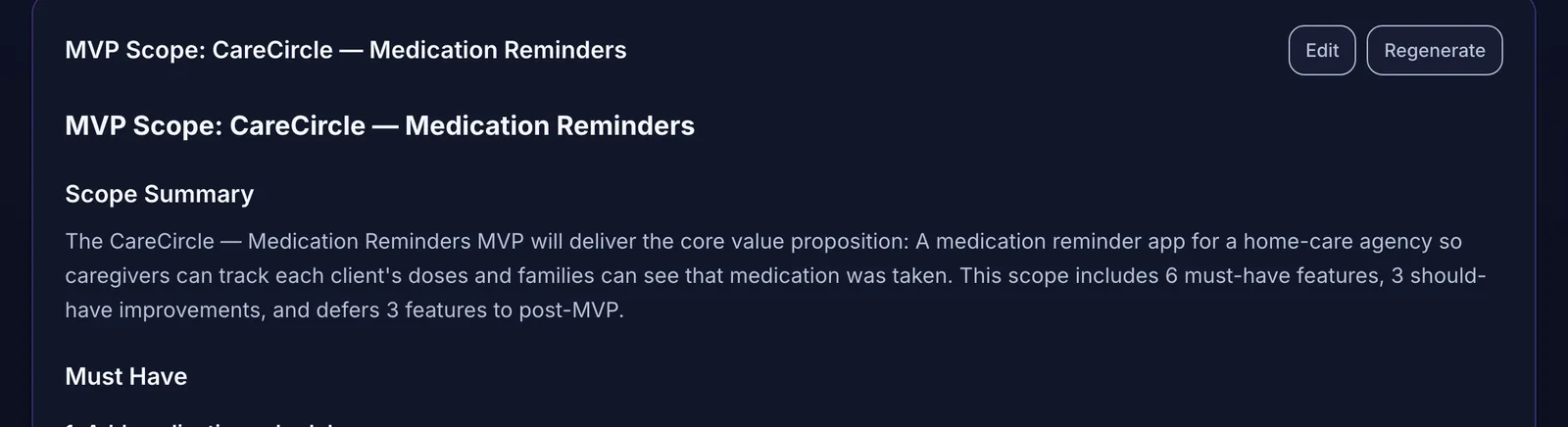 A second client gets its own scope and context, so nothing leaks between projects.
Change requests go through the feedback log, where suggested tasks need your approval before they reach the board. The usage page reports agent jobs and estimated costs per project, and a monthly spend limit can warn you or block runs. With your own API keys, model costs are billed by the provider to your account.
Mogryat doesn't track your hours or bill clients. Use it alongside your time-tracking and invoicing tools.