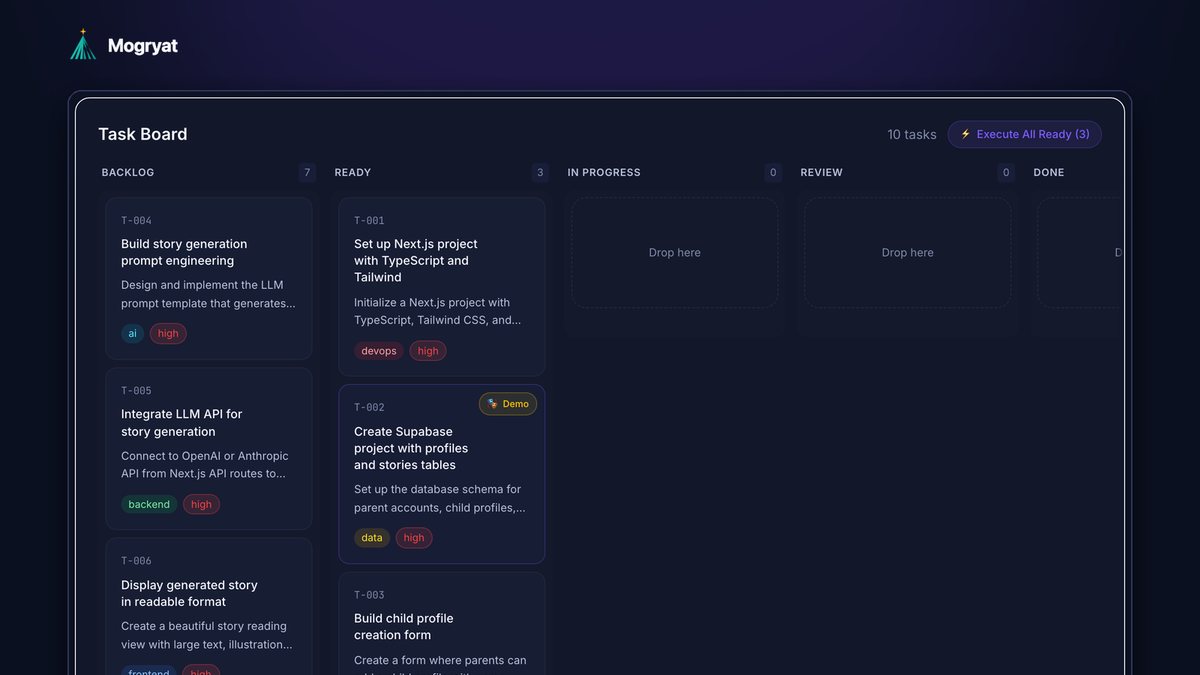
To coordinate multiple AI coding agents on one project, split the work into tasks that don't touch the same files, give each agent its own branch or git worktree, run foundation work (setup, schema, shared interfaces) first and in sequence, and let only independent tasks run in parallel. Every agent should load the same project context, every change should land as a pull request with automated checks, and merges should happen one at a time. The limit on parallel agents is usually your review capacity, not the tooling.
This guide covers why parallel agents conflict, the patterns that prevent it, and a practical setup you can start with.
Why parallel agents step on each other
Running two or three agents at once sounds like two or three times the output. Without structure, it often produces conflicts instead:
- File hotspots. Two agents edit the same router, config file, or shared component. One overwrites the other, or the merge breaks both.
- Incompatible assumptions. One agent names a field
userId, anotheruser_id. One adds a date library, another writes its own helper. - Shared state. Agents running tests against the same database, ports, or cache interfere with each other's results.
- Ordering problems. A feature task starts before the schema it depends on exists, so the agent invents its own version.
- Review overload. Five pull requests arrive at once, and none gets reviewed properly.
- It touches a different area of the code (different screens, modules, or endpoints)
- It doesn't change shared interfaces others depend on
- Its acceptance criteria can be checked on their own
- One branch per task, created from the latest main branch.
- Git worktrees let you check out several branches of one repository in separate directories at the same time, without cloning repeatedly (git documentation). This is the common setup for running several local agents side by side.
- Cloud agents usually work in their own sandbox and push a branch, which gives you isolation by default.
- Separate test resources: different ports and test databases per worktree, or containers, so test runs don't interfere.
- The same rules file (stack, commands, naming conventions, hard rules)
- The relevant specs: product brief, architecture decision, data model, API contracts
- Its own task brief with acceptance criteria and a list of files it may change
- Automated checks: tests, linting, type checks, and a build
- A short summary of what changed and why
- A check against the task's acceptance criteria
- Planner: breaks the feature into tasks and writes acceptance criteria (you, or an agent you review)
- Implementers: one per task, each in its own branch
- Reviewer: checks each pull request against criteria and conventions before you look at it
- Plan the feature into tasks with acceptance criteria and a list of files each may touch.
- Mark foundation tasks and run them one at a time.
- Mark two or three independent tasks Ready.
- Start one agent per Ready task, each on its own branch or worktree.
- Require checks to pass on every pull request.
- Review and merge one at a time, updating the others after each merge.
- Write any decisions back into the specs before the next batch.
- Git documentation: git-worktree
- Claude Code documentation: Subagents
Each of these has a structural fix.
Pattern 1: Decompose for independence
Parallelism starts at planning. A task can run alongside others only if:
A useful test: could two developers on a team take these two tasks on the same morning without talking to each other? If not, they shouldn't run in parallel as agents either.
Pattern 2: Build the foundation first, in sequence
Some tasks create the ground everything else stands on: project setup, the database schema, authentication, shared types, and API contracts. Run these one at a time, review them carefully, and merge them before starting parallel work.
"Contract first" helps a lot. If two features will talk through an API, define the request and response shapes in a short spec or a shared types file first. Then the agents implementing each side have a fixed target.
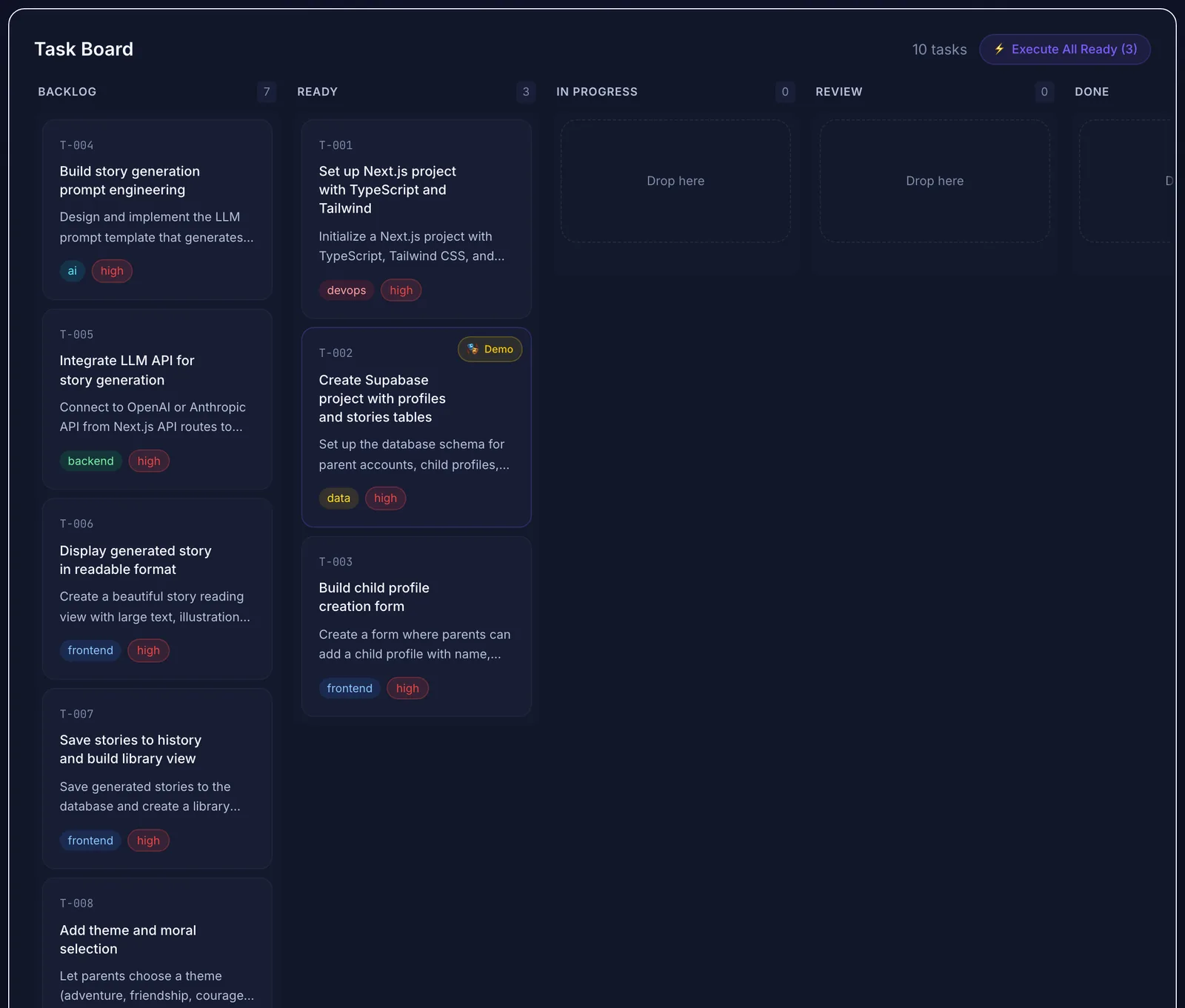 Only tasks marked Ready are eligible for a batch run.
Pattern 3: Isolate every agent
Each agent needs its own working copy so file changes don't collide:
Pattern 4: One source of context for every agent
Agents can't coordinate through conversation. They coordinate through shared files. Every agent should load:
Explicitly listing what a task may and may not touch prevents most hotspot conflicts. The guide on keeping AI coding agents from losing project context covers how to structure these files.
Avoid having agents edit the shared specs during parallel runs. If an agent discovers that a spec is wrong, it should report it, and you update the spec before the next batch.
Pattern 5: Gate every merge
Every agent's work should arrive as a pull request with:
Merge one pull request at a time. After each merge, update the remaining branches from main and re-run their checks. Small, frequent merges keep conflicts small.
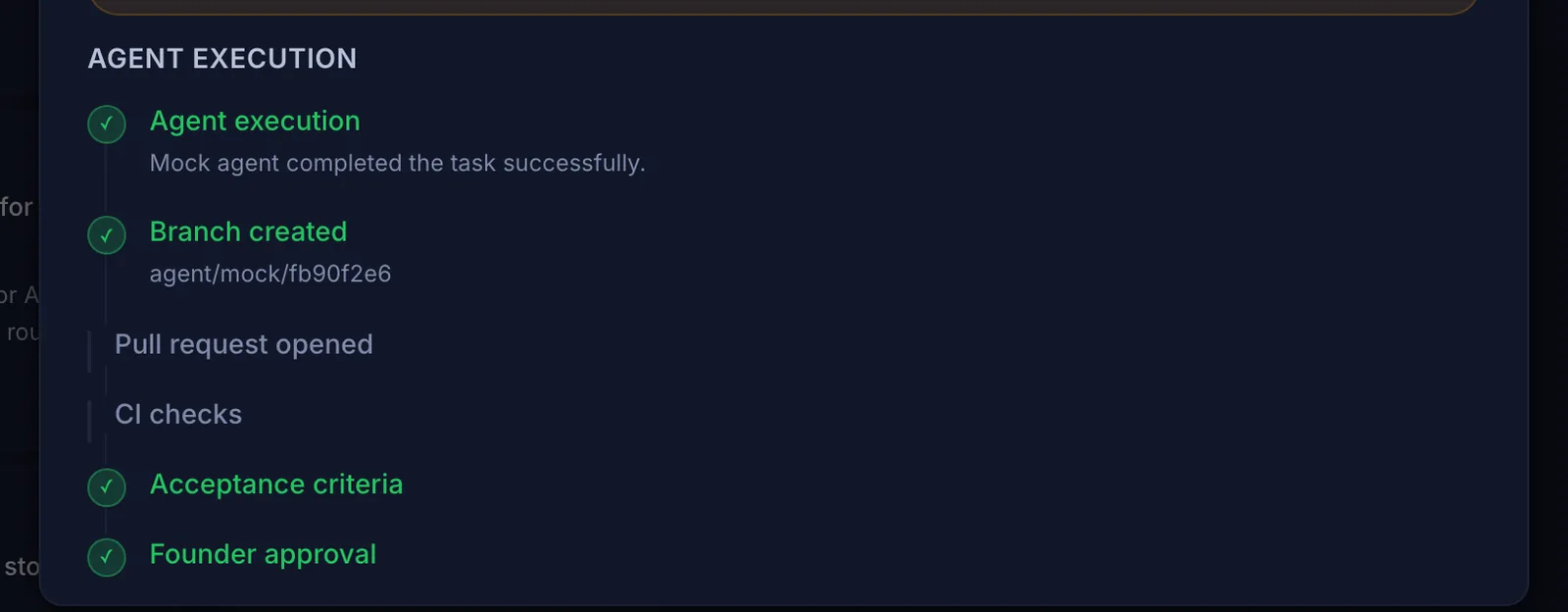 One branch and one review trail per task. This example used the demo agent.
Pattern 6: Assign roles, not just tasks
Many setups work better with distinct roles:
Some tools support this directly. Claude Code, for example, supports subagents with their own instructions and context (Claude Code docs). The human stays the final approver.
Pattern 7: Keep concurrency small
Start with two or three parallel agents. More agents mean more pull requests to review, more merge order to manage, and more spend. If reviews start getting skimmed, you're running too many at once.
Cost matters too. Parallel runs multiply token usage. Set a budget per batch and stop runs that fail the same check twice instead of letting them retry indefinitely. Our guide on reducing token waste has more on this. For a solo developer's release rhythm, see how to ship software faster as a solo developer.
Pattern 8: Match the agent to the task
Different agents suit different work. An autonomous agent that can run commands and tests in a sandbox suits multi-step tasks. A single-shot code generation call can be enough for a well-specified, self-contained component. Cheaper models handle boilerplate; stronger models handle tricky logic. Keep the task format the same regardless of which agent picks it up, so you can switch freely.
A starter setup
How Mogryat coordinates agent runs
Mogryat structures the planning side: each project has a brief, scope, architecture decision, technical plan, and a task board where tasks have acceptance criteria and a context-rich execution prompt. The first foundational tasks start as Ready; the rest wait in the backlog until you move them.
For execution, you connect your own API keys for OpenHands Cloud (an autonomous agent), Claude, or GPT-4o (single-shot code generation). You can run one task or use Execute All Ready to start every Ready task as a separate job. With a GitHub repository linked, each job gets its own branch and pull request, CI status is tracked, and a deterministic check marks each acceptance criterion as verified or unverified from the available evidence (CI result, pull request, changed files). Anything not clearly verified waits for your review, and you approve or reject the job. A CI failure can be retried with the failure details passed back to the agent, up to a capped number of attempts. A monthly spend limit can warn you or block runs when exceeded.
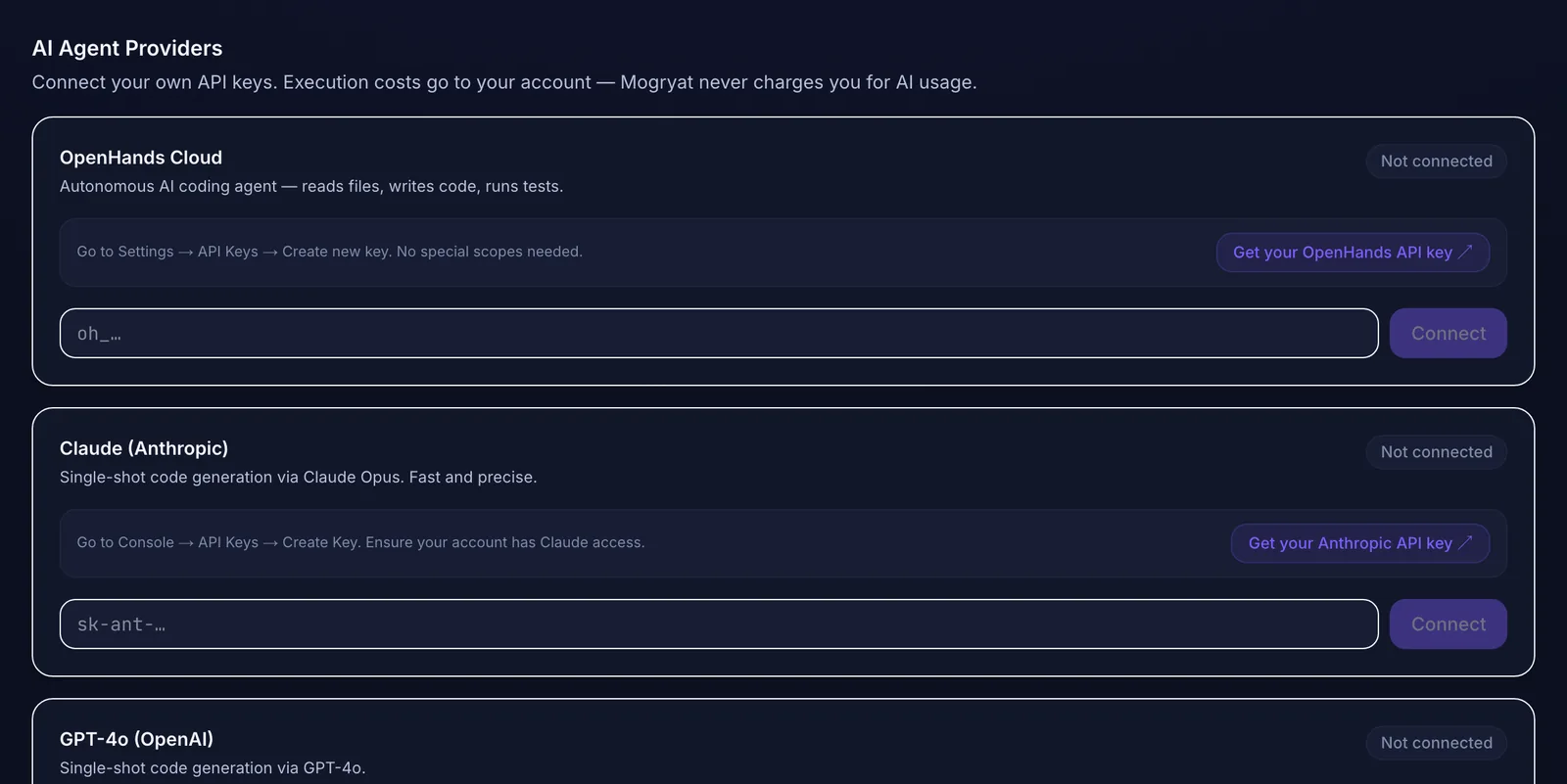 Different tasks can go to different agents, using your own keys.
You still decide which tasks are independent, and you merge pull requests and resolve conflicts in GitHub yourself. Mogryat keeps every run attached to its task, so you can see what each agent did and why.
If you're deciding how much planning to do before parallel work, spec-driven versus prompt-driven coding is a useful companion.
Plan the tasks, then run them in parallel with your own agents →