Solo developers ship faster by reducing decisions and rework, not by typing faster. The habits that make the biggest difference: cut scope to one testable outcome per release, pick a boring stack you already know, automate the setup once (repository, CI, deploys), plan work as small tasks with acceptance criteria, let AI agents do the implementation in focused sessions while you review, and ship to real users on a fixed rhythm. AI multiplies your output, but only if each task is clear and each change is checked.
Here's a practical system for one person, from planning to a weekly release loop.
Where solo developers actually lose time
When you're the whole team, the bottlenecks are rarely raw coding speed:
- Decision overhead. Every choice (library, layout, pricing, naming) lands on you.
- Scope drift. Without anyone to push back, features grow.
- Setup and plumbing. Auth, CI, deploys, environments, and email take days if done from scratch each time.
- Context switching. Day job, side project, support emails, and three ideas you haven't started.
- Rework. Building the wrong thing, or building the right thing twice because the first AI-generated version didn't hold up.
- Widely used, so AI tools have seen a lot of it and generate better code for it
- Managed services for the parts you don't want to operate (database, auth, email)
- Low fixed monthly cost until you have paying users
- A repository template with your folder structure, linting, formatting, and test setup
- CI that runs tests and checks on every pull request
- One-command or push-to-deploy for a preview and a production environment
- A rules file for your AI tools (stack, commands, conventions)
- An environment variable example file, with no secrets in the repository
- Tasks are the unit you hand to an AI agent.
- Criteria are how you review AI output quickly.
- A board of small tasks lets you work in 45-minute gaps between other commitments.
- You: product decisions, task definitions, architecture, review, and anything security-sensitive.
- AI agents: implementation of well-defined tasks, tests for them, boilerplate, refactors with a clear target, and first drafts of documentation.
- One task per agent session, starting from the rules file and the task brief.
- Ask for a plan before code on anything non-trivial.
- Keep changes on branches with CI running.
- Review against the criteria. Read the diff for anything touching auth, data access, or payments.
- If two independent tasks are ready, run them in parallel on separate branches, as covered in coordinating multiple AI coding agents.
- Sunday, 30 minutes: review the board, pick the tasks for the week, write criteria for anything missing them.
- Weekdays: one or two focused sessions, one task each. Close each with a handoff note.
- Friday or Saturday: merge, deploy, and send a short update to your users or your build-in-public audience.
- Outcome sentence: "After this release, a parent can save a story and find it again later."
- Tasks (four): add a saved-stories table and API; add a save button on the story page; build a saved-stories list; add an empty state for parents with no saved stories.
- Acceptance criteria for the list: shows title and date for each saved story; newest first; opening one shows the full story; only the logged-in parent's stories appear.
- Explicitly not now: sharing stories, folders, search, and printing. All four are on the board; none are in this release.
- Split: the developer wrote the tasks and criteria (about 30 minutes), an agent implemented each task in its own session, and the developer reviewed each pull request against the criteria, reading the data-access code line by line.
- Your editor setup. Past a certain point, it's procrastination.
- Perfect architecture for scale you don't have. Design for the next ten times your current users, not ten thousand times.
- Writing everything yourself to "understand it." Understand the parts that matter (data, security, core logic) and let AI handle the rest under review.
Each section below targets one of these.
1. Define each release by one outcome
Before a release cycle, write one sentence: "After this release, a user can..." Everything that doesn't serve that sentence waits. Keep a visible "not now" list so ideas have a place to go that isn't your current branch.
For a new product, the first release is your MVP, and the guide on turning an idea into an MVP using AI covers how to scope it.
2. Pick the boring stack
The fastest stack is the one you don't have to learn. For a solo developer, "boring" also means:
Make the choice once, write it in your rules file, and stop revisiting it every time a new framework trends.
3. Automate the setup once
Spend a day making these automatic, then reuse them across projects:
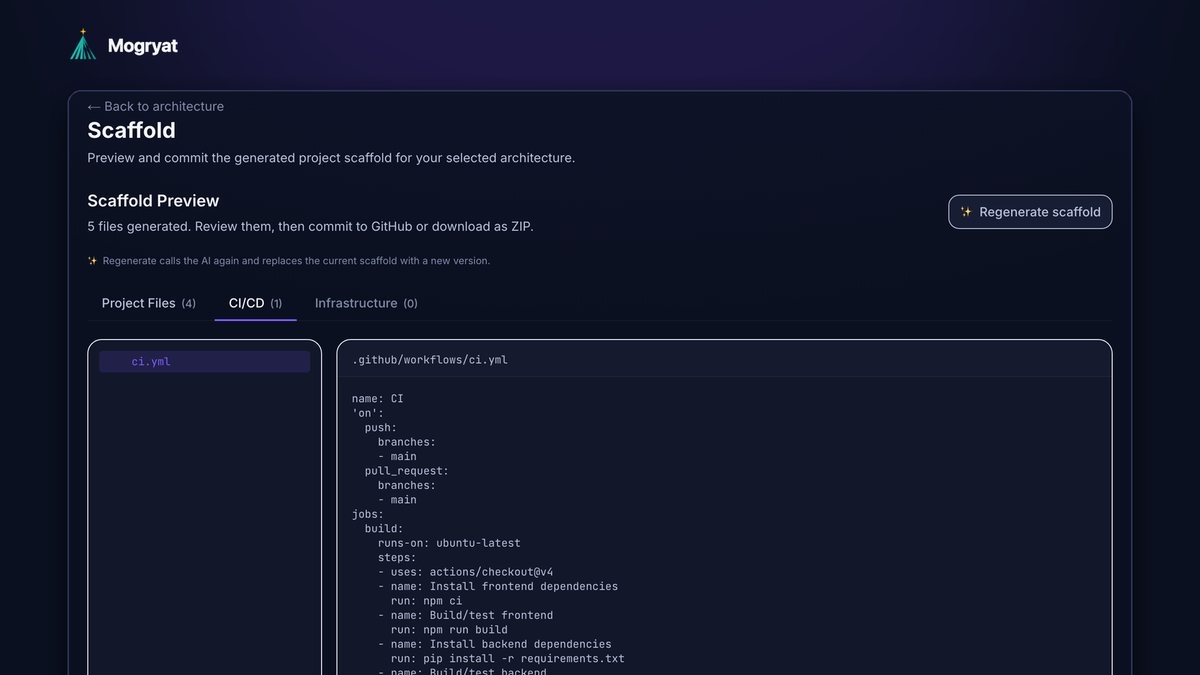
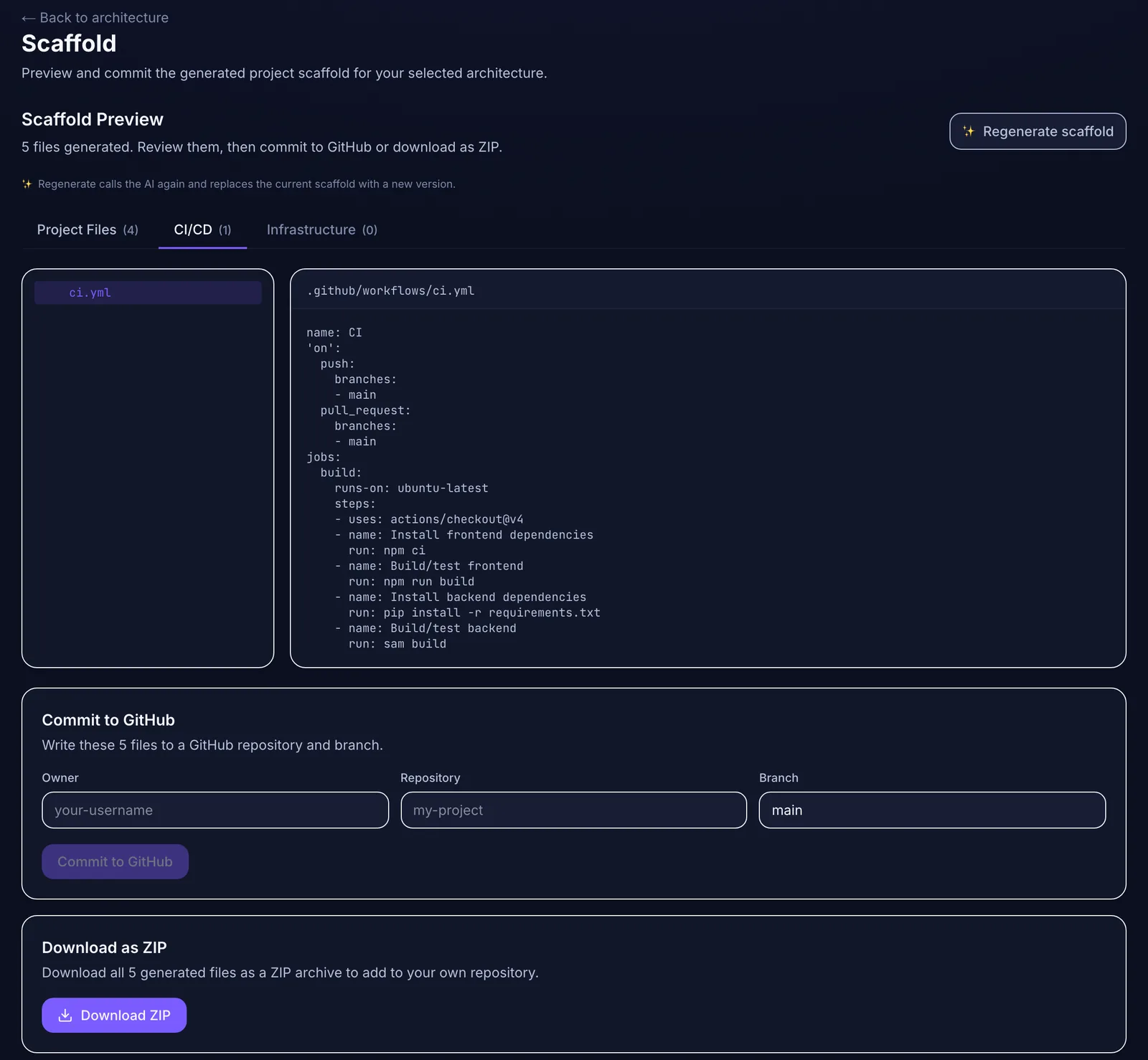 Get the boring parts (folders, CI file) generated once, then commit them or download a ZIP.
After that, starting a project is an hour of configuration instead of a week of plumbing.
4. Plan in small tasks with acceptance criteria
Break each release into tasks that each deliver one observable behavior, with three to six acceptance criteria. This feels like overhead for a team of one. It isn't:
The broader case for this is in spec-driven versus prompt-driven coding. Keep project-level specs short, and keep task-level work conversational.
5. Let AI implement, and you review
A productive split for a solo developer:
Make it efficient:
6. Keep a fixed weekly rhythm
A rhythm protects you from both overwork and drift. One that fits around a day job:
Shipping something every week, even if small, keeps feedback flowing. That feedback tells you what to build next better than any plan.
7. Turn feedback into tasks, not into prompts
When users report problems or ask for features, log them, decide whether they serve your current outcome, and turn the ones that do into tasks with criteria. Pasting feedback straight into an AI session ("users say the dashboard is confusing, fix it") produces unfocused changes.
8. Keep costs and limits explicit
Side projects die when they get expensive before they earn. Set a monthly cap on AI usage, check spend weekly, and use free tiers knowingly (read the limits on backups, pausing, and usage). The guide to reducing token waste covers the habits that keep AI spend low.
 A hard monthly cap keeps a side project from becoming an expensive one.
9. Limit active projects
Two active projects is usually the realistic maximum alongside a job. Park the rest with an up-to-date brief and board so you can resume without reconstructing context. Managing multiple AI-assisted projects describes a switching ritual that makes this work.
Example: planning one release
Here's an illustrative plan for one week-long release of StoryNest, the fictional bedtime-story web app used in this article's screenshots, built by one developer around a day job.
Planned like this, the release fits in a week. The "not now" list is what makes that possible.
What not to optimize
How Mogryat fits a solo workflow
Mogryat takes the planning and setup work off your plate. From a short idea and a founder interview, it produces a product brief, MVP scope, architecture options scored against your budget, scale, team, and compliance constraints (you can state a preferred stack), a technical plan, a scaffold with a CI workflow you can commit to GitHub or download, and a task board with acceptance criteria and AI execution prompts per task.
You can implement tasks in your own editor with Cursor, Claude Code, or anything else, or run them from Mogryat with your own API keys for OpenHands, Claude, or GPT-4o, with branches, pull requests, CI status, and your approval tracked per task. A monthly spend limit keeps agent costs bounded.
It doesn't replace your judgment on product decisions or your code review. It removes the setup and re-explaining that slow a solo developer down.