To turn a business idea into an MVP with AI, use AI to sharpen the idea before you use it to build. Write down the riskiest assumption, let an AI interview you about users and problem, turn the answers into a one-page brief, cut the feature list to what tests that one assumption, and only then generate a build plan and tasks. Most of the work is deciding what not to build. AI makes that faster, but it can't make the call for you.
This is a step-by-step tutorial using a real example. By the end you'll have a scoped MVP definition you could hand to any AI coding tool or developer.
What an MVP actually is (and isn't)
A minimum viable product is the smallest version of your product that lets you learn whether your core idea works with real users. "Minimum" refers to scope, not quality: what's there should work properly. "Viable" means a real person can get the core value from it.
An MVP is not:
- A prototype that only works in a demo
- Version one of the full product with fewer polish passes
- A landing page (that's a useful demand test, but a different one)
- Vague: "People who want to save money on groceries."
- Specific: "Parents of young families in Gothenburg, roughly 28 to 45, who do one big weekly shop and plan meals on Sunday evening. Price-aware but short on time."
- Value proposition: one shopping list that shows the cheapest store for the whole basket, in under a minute.
- MVP objective: 200 families in Gothenburg using the app at least three weeks in a row, and testers saying the comparison saved them money.
- Must have: the value proposition fails without it.
- Should have: makes the test better, but the test still works without it.
- Could have: later.
- Not in version one: out, with a written reason.
- Automated price scraping: legal and technical risk is high; manual and crowdsourced prices are enough to test the idea.
- Multiple cities: validate one city before scaling geography.
- Payments and subscriptions: prove weekly use before charging.
- A list of stores with name and location
- Multiple stores can be selected
- The selection is remembered on the device
- Select-all and clear options
- The selection filters the price comparison
- Skipping step 1. Without a named assumption, every feature seems justified.
- Accepting the AI's first feature list. It's a brainstorm, not a scope.
- Letting the coding tool choose the stack by default. It's a decision with long-term cost; make it explicitly.
- Building payments into the MVP "because it's easy." Unless willingness to pay is the assumption you're testing, it rarely belongs in version one.
- Treating the brief as finished. Update it when you learn something. A stale brief misleads every tool that reads it, which is also why AI coding agents lose project context when decisions only live in chat.
The test of a good MVP definition is whether you can say which assumption it tests. If you can't, the scope will keep growing.
The example we'll use
Here's a fictional example we'll use throughout. A founder in Gothenburg has this idea: an app that helps families compare grocery prices across supermarkets, so they can plan a cheaper weekly shop. She isn't technical, has a small budget, and wants to launch in one city before expanding.
We'll call it BasketWise and take it through six steps.
Step 1: Name your riskiest assumption first
Before any AI tool gets involved, write one sentence: "This idea fails if..."
For BasketWise: "This idea fails if families won't come back every week, because comparing a whole basket isn't worth the effort, or because the prices aren't accurate enough to trust."
That sentence will decide what goes in the MVP. Everything that doesn't help test it is a candidate to cut.
Step 2: Let AI interview you, not write for you
The most useful thing an AI assistant can do at this stage is ask good questions. Give it the idea and ask it to interview you:
I have a business idea. Before we plan anything, ask me the questions a product manager would need answered to scope an MVP. Ask one question at a time and push back when my answer is vague.
Cover at least these topics: target user, the problem and what it costs them today, current alternatives, why they'd switch, platform, data sources, accounts, payments, biggest risk, and the success metric.
The quality of everything that follows depends on how specific you are here.
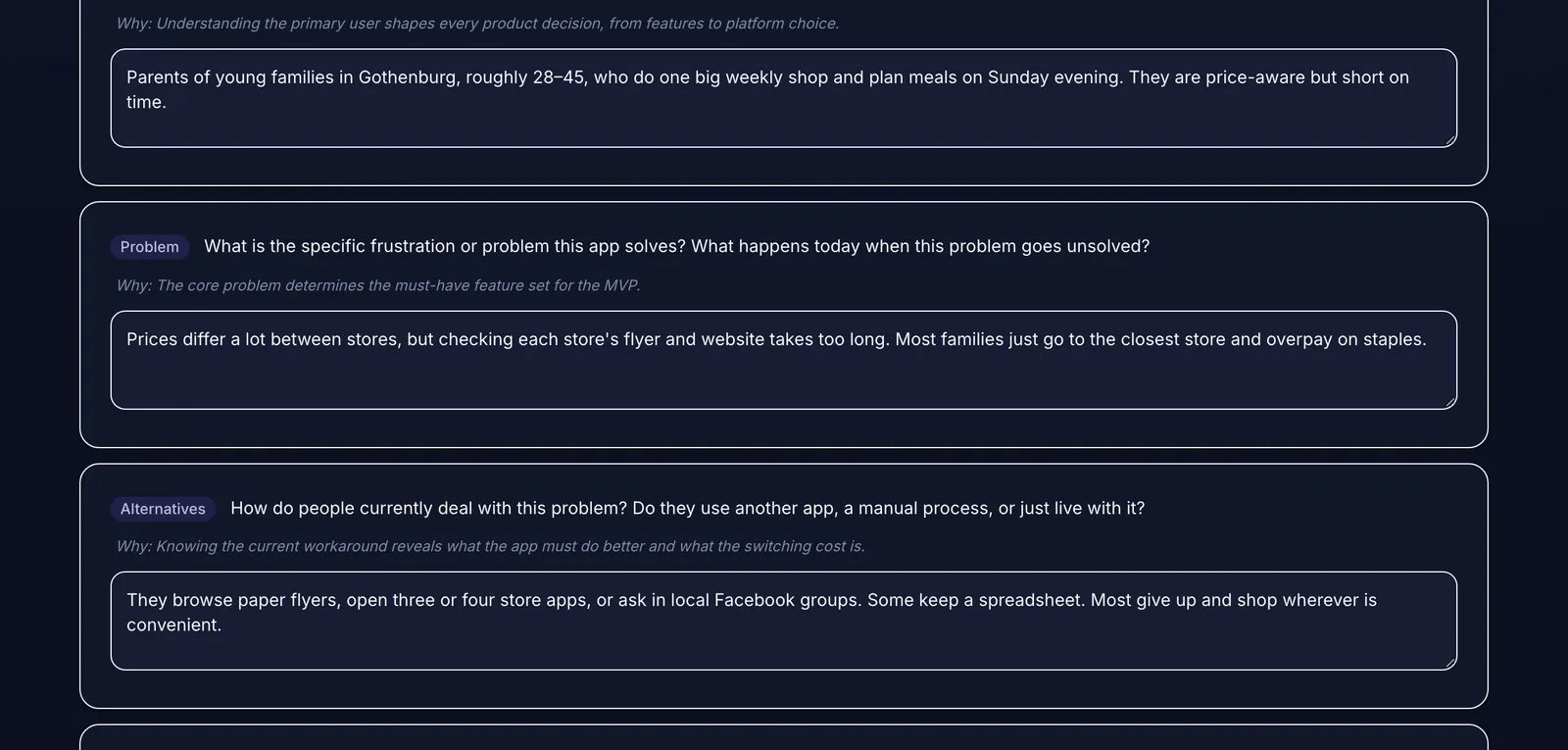 Specific answers (who, which city, what they do today) are what make the later documents useful.
Compare two answers to "Who is the main user?":
The specific version tells you the platform (phone, used at home and in the store), the moment of use (Sunday planning), and what "fast" means (under a minute).
Step 3: Turn the answers into a one-page brief
Ask the AI to summarize your answers into a product brief with these sections: problem statement, target users, proposed solution, core value proposition, MVP objective, assumptions, risks, and success criteria. Then edit it yourself. The AI will write confidently even where your thinking is weak, so read every line and ask whether it's true. For a fuller requirements document, see how to write a PRD with AI.
Two lines in the BasketWise brief did most of the work:
The objective is measurable and tied to the riskiest assumption from step 1. That's the bar every feature has to clear.
Step 4: Cut the feature list with four buckets
Ask the AI to list every feature it thinks the product needs. It will produce a long list. Then sort it, with your objective in front of you:
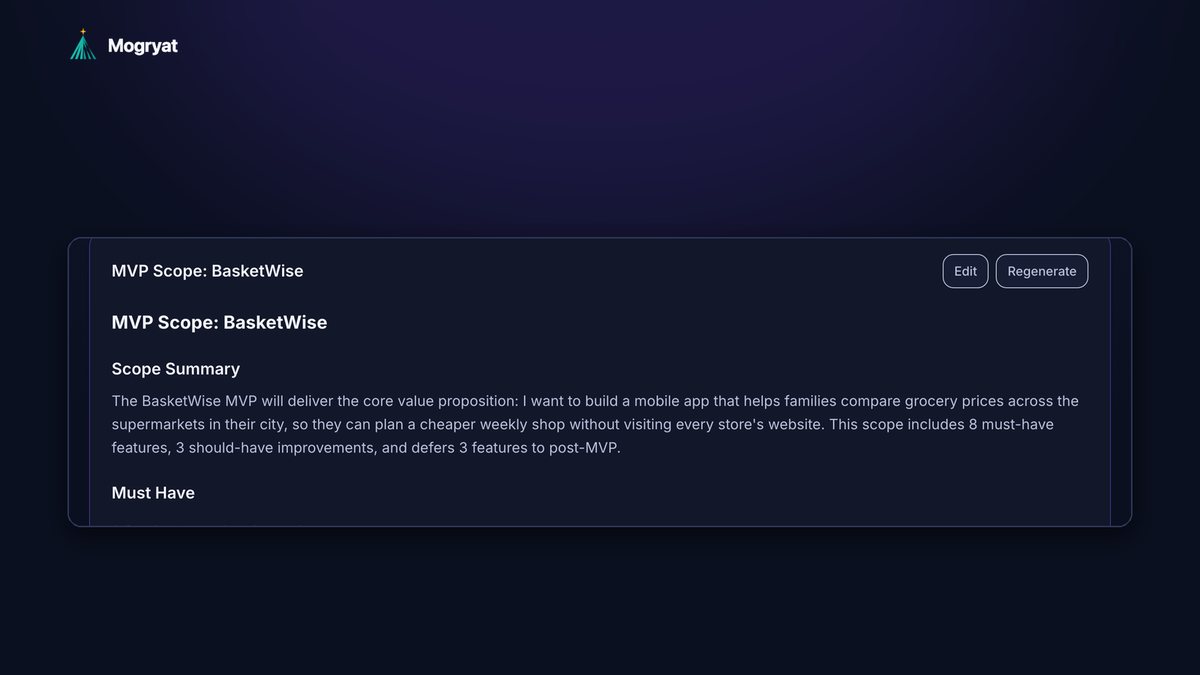
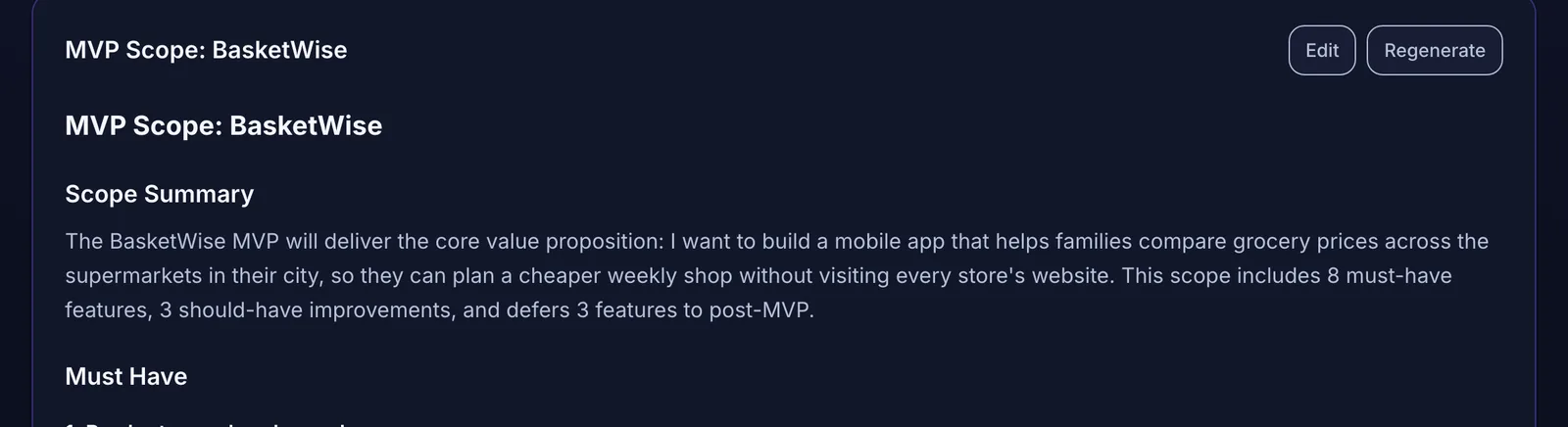 The MVP scope makes the cut explicit: what ships first, what waits, and what is out of version one.
For BasketWise, the must-haves included product search, store selection, price entry for a pilot set of stores, side-by-side comparison, and a shopping list with an estimated total per store. Three things were explicitly deferred:
Notice that the deferred list contains the features that feel most impressive. That's normal. The test asks whether people come back weekly, and none of those three features is needed to find out.
A quick scoping test
For each must-have, ask: "If I remove this, can a user still get the core value?" If yes, it's not a must-have. Be strict. You can always add a feature after launch. Removing one that users already depend on is much harder.
Step 5: Choose a stack that fits your constraints
Now, and only now, think about technology. Answer four questions: monthly hosting budget, expected users in the first year, team size, and compliance needs. For BasketWise: minimal budget, small scale, solo founder, and GDPR because it's an EU product with user accounts.
Ask the AI to propose two or three architectures that fit those constraints and to list the tradeoffs of each. Pick one and write down why. If you have access to a developer friend or freelancer, a stack they know is worth a lot.
Step 6: Generate tasks with acceptance criteria
Finally, break the plan into small tasks. Each task should do one thing and have three to six acceptance criteria, which are checkable statements of what "done" means. For example, a store selection task might require:
These criteria are what you'll use to check the work of any AI coding tool, even if you never read the code. For the build and launch stages, the full idea-to-launch workflow covers what comes next. If you're about to start in an app builder, see how to plan an MVP before using Lovable, Bolt, or Cursor.
Common shortcuts that backfire
Doing this with Mogryat
Mogryat runs this exact sequence as a guided workflow. You enter the idea and any constraints, answer a founder interview, and Mogryat generates the product brief, then the MVP scope with must-have, should-have, could-have, and not-in-v0.1 sections, each with a reason. Architecture options are scored against your budget, scale, team size, and compliance answers. The technical plan and task board follow, and every task carries acceptance criteria and a ready-to-paste prompt for your AI coding tool.
Everything is editable, because the founder stays the decision-maker. When the AI provider is unavailable, built-in rule-based generators still produce a usable first draft, so the workflow doesn't stop.
Mogryat won't validate the market for you. You still need to talk to the families, freelancers, or clinics you're building for. It removes the blank page and keeps the decisions in one place once you have those conversations.
Turn your app idea into a structured MVP plan →
Want to look around first? Open the demo, which comes with three sample projects already set up. No signup needed.