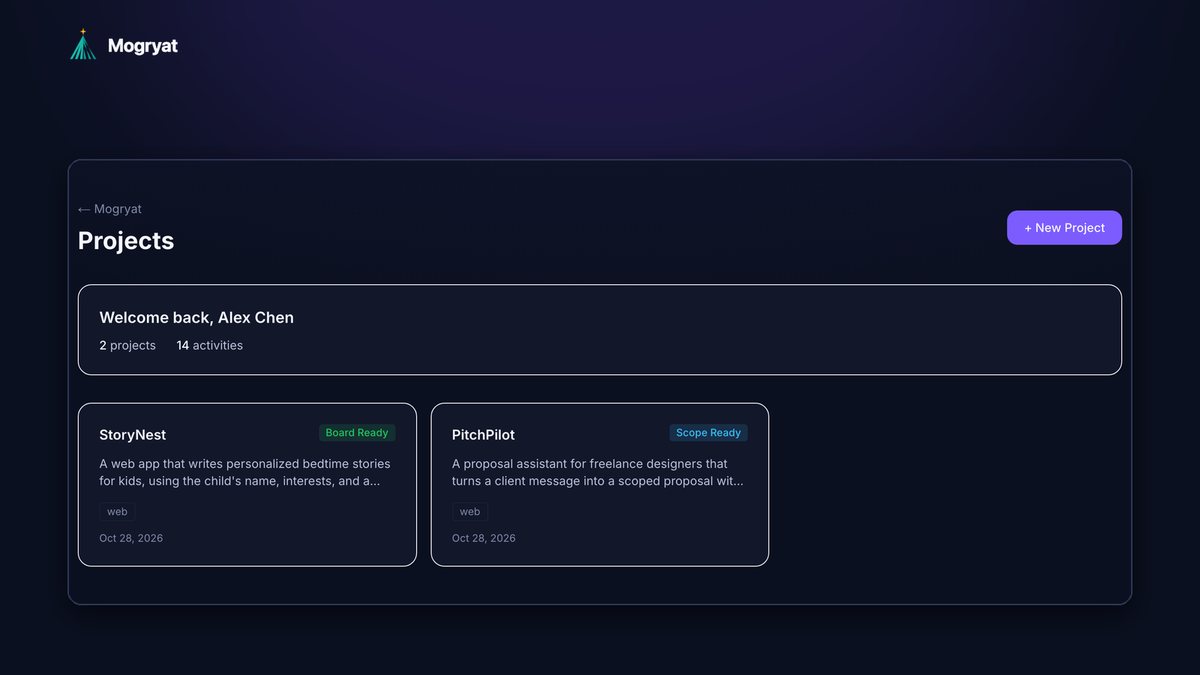
To manage several AI-assisted development projects at once, give each project its own durable context (a short brief, a decision log, and a rules file in the repository), track work on a per-project board instead of in chat history, limit how many projects are active in a given week, and end every work session with a two-line handoff note. The goal is that switching projects means opening the right files, not reconstructing what you and the AI decided last time.
This guide is for solo builders and indie hackers juggling side projects, a day job project, and the odd experiment. It covers the system, the switching ritual, and the warning signs that you're running too many projects.
Why multiple AI projects are harder than they look
AI tools have made starting projects nearly free. Running several of them hasn't become any easier:
- Context doesn't travel. AI tools start each session fresh. Claude Code's documentation states that each session begins with a fresh context window (docs). Your own memory of a project fades just as fast after a week away.
- Chat history is a bad index. Decisions are scattered across dozens of conversations in several tools.
- Projects bleed into each other. Patterns, library choices, and naming from one project creep into another when you reuse a long chat.
- Switching has a cost. Research on interrupted work found people compensate by working faster but experience more stress, frustration, and time pressure (Mark, Gudith and Klocke, CHI 2008).
- Costs blur. One subscription and one API key across everything makes it hard to know which project is worth the spend.
- Active (one or two): you work on these this week.
- Parked: brief, log, and board are up to date, and there's a note on what would make you resume.
- Done or dropped: archived with a one-paragraph summary of what you learned.
- Write a handoff note on the project: what changed, what's next, anything unresolved.
- Add any decision you made to the decision log.
- Move the task's status on the board.
- Commit or push work in progress to a branch.
- Read the handoff note and the top of the board.
- Pick one task.
- Start a fresh AI session with the rules file, the relevant spec, and that task's brief. Don't resume a long chat from last week.
- Ask the agent to restate the plan before it writes code.
- Sunday, 20 minutes: StoryNest gets three tasks moved to Ready, all from beta feedback. PitchPilot gets one: finish the MVP scope and write acceptance criteria for the first two features. The parked idea gets one new line on its board and stays parked.
- Tuesday evening: one StoryNest session, one task. A fresh agent session starts from the repository's rules file and the task brief. Alex closes with a handoff note: "Story length limit done; next: parent can regenerate a story once."
- Thursday evening: one PitchPilot session, planning only. No code, just scope and criteria, so there's nothing to merge or review.
- Saturday morning: StoryNest's two remaining tasks, merged and deployed, then a short update to the beta families.
- One chat or agent session per task, inside one project.
- Never mix two projects in one conversation.
- Use the project's own repository rules so the agent picks up the right conventions automatically.
- Keep reusable snippets (a prompt template, a helper you like) in a personal library and copy them in deliberately, rather than relying on a chat that remembers.
- You reread chat history to remember decisions.
- Your AI tools keep suggesting patterns from a different project.
- You open a project and can't say in one sentence what the next task is.
- Boards haven't moved in weeks, but you've been busy.
- You don't know which project your AI spend went to.
- Claude Code documentation: How Claude remembers your project
- Mark, Gudith and Klocke, "The cost of interrupted work: more speed and stress," CHI 2008
The per-project kit
Every project, however small, gets the same four things.
1. A one-page brief
Who it's for, the problem, what the current version is trying to prove, and what's explicitly out of scope. If the project is an experiment, say so, and say what result would make you stop.
2. A decision log
Dated one-liners: "2026-10-03: Postgres via Supabase, not SQLite, because I want auth included." These stop you and your AI tools from reopening settled questions.
3. A rules file in the repository
Stack, commands, conventions, and links to the brief and log, in whatever format your tools read (AGENTS.md, CLAUDE.md, Cursor rules, Copilot instructions, Kiro steering). The guide on stopping AI coding agents from losing project context covers these in detail.
4. A task board
Small tasks with acceptance criteria and a status. The board is where "what was I doing?" gets answered in ten seconds.
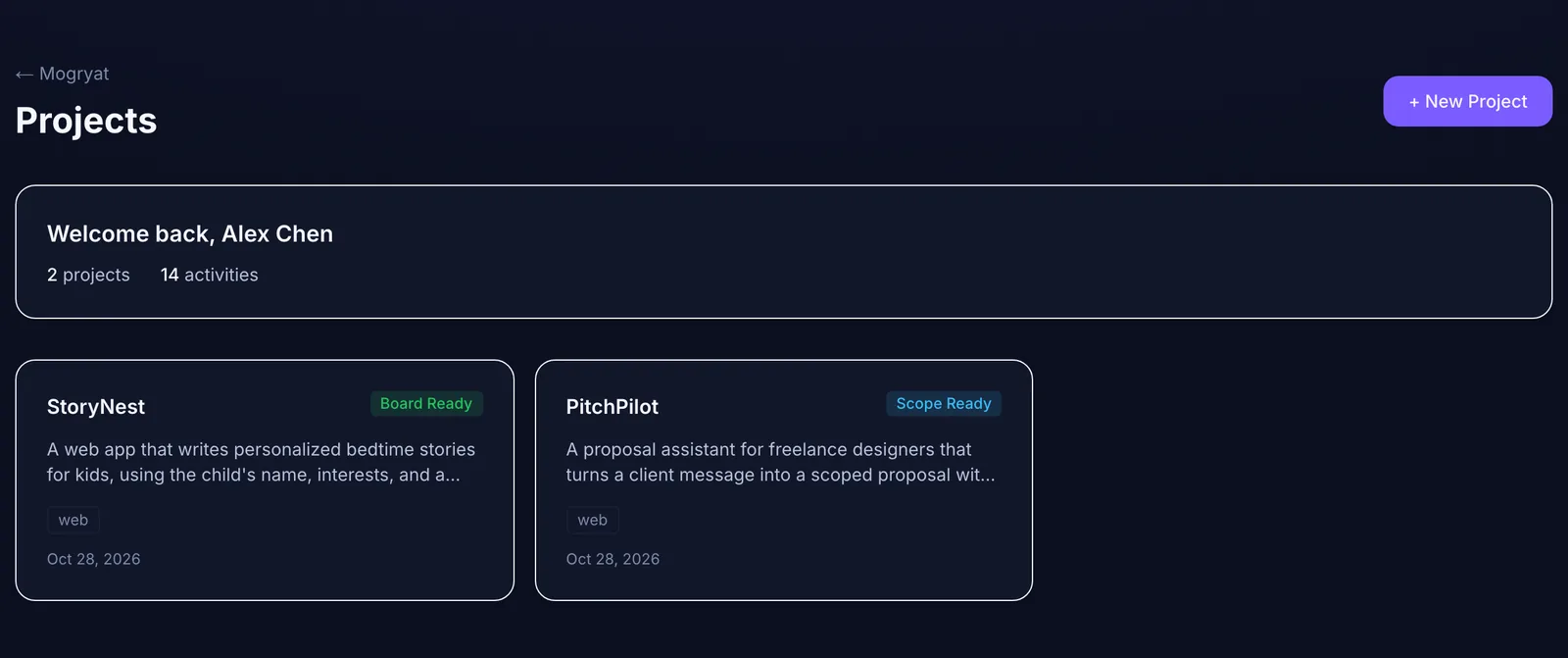 Each project keeps its own stage, documents, and board, so switching does not mean re-explaining.
Limit active projects, not total projects
You can have ten projects. You shouldn't have ten active ones. A simple rule:
Decide on Monday which projects are active. Everything else stays parked, even if you have a great idea for it. Write the idea as a task on that project's board and move on. For a weekly release rhythm, see how to ship software faster as a solo developer.
The switching ritual
Most of the cost of switching is reloading context. Make it mechanical.
Closing a session (two minutes)
Opening a session (five minutes)
The opening step is where people lose the most time when they skip the closing step.
An example week with two active projects
Here's a fictional but typical example. Alex is a developer with a day job and two side projects: StoryNest, a bedtime-story web app in beta, and PitchPilot, a proposal assistant for freelance designers that's still at the scope stage. A third idea is parked.
Nothing about this is clever. The point is that each session opens one project, one task, and the files that describe them, so no time goes on remembering.
Keep AI sessions per project, per task
Track cost and time per project
Even rough numbers help you decide what to keep. Once a month, note for each project: hours spent, AI spend, and progress against its brief. If a project has eaten a month of evenings without moving toward what it was meant to prove, that's information.
Spend limits help here too. Running each project's agent work under a monthly cap stops one experiment from quietly using the budget for the rest. Our guide on reducing token waste covers the habits that keep each project cheap.
Signs you're running too many projects
When two or three of these apply, park something.
How Mogryat supports multiple projects
Each Mogryat project holds its own brief, MVP scope, architecture decision, technical plan, task board, feedback log, and activity history, and the project list shows each one's stage at a glance. Task prompts include only that project's context, so a fresh agent session starts on the right project. When you run tasks from Mogryat, execution is attached to the task, with its own job history, rather than to whichever chat was open.
 Execution is attached to a task inside a project, not to whatever chat window happens to be open.
The usage page breaks down agent jobs and estimated cost per project, and a monthly spend limit applies across your runs. The free tier includes a small number of projects; see pricing for current limits.
It doesn't manage your calendar or decide what to park. That part stays with you. If you also coordinate several agents within one project, see how to coordinate multiple AI coding agents.
Give each project its own context and board →